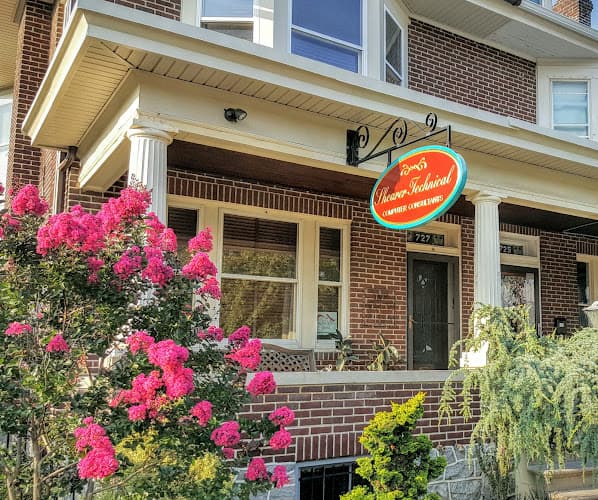
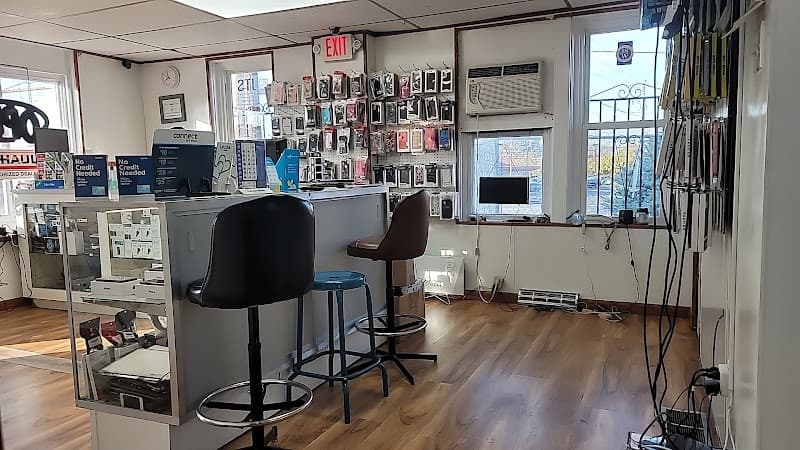
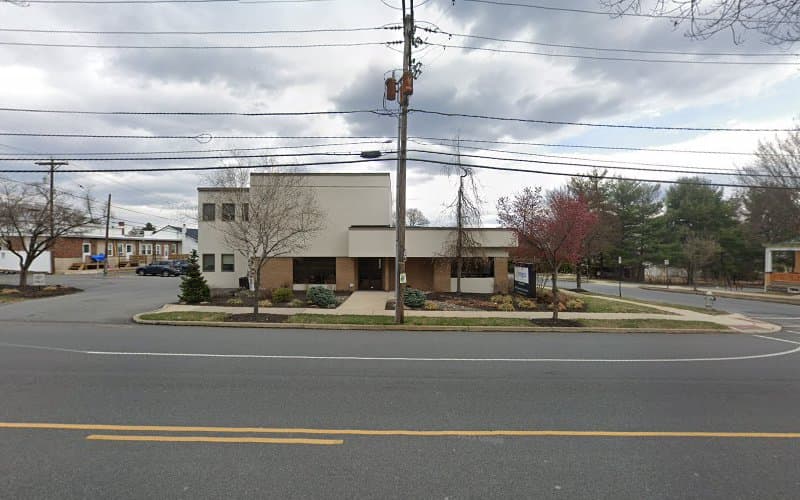
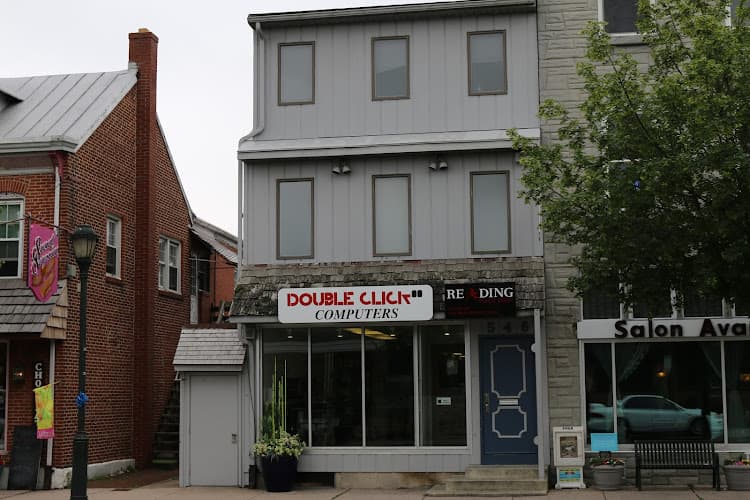
Shearer Technical Computer Consultants is a computer repair and IT services business located at 727 Penn Ave in West Reading, Pennsylvania. The shop sits along the Penn Avenue commercial corridor, the main street that runs through West Reading and connects the borough to the city of Reading across the Schuylkill River. From that storefront, the business handles hardware repair, data recovery, system builds, virus and malware cleanup, and general technology support for home users, students, and small businesses throughout Berks County.
The operation is a small, independent shop rather than a chain outlet or a manufacturer's authorized service depot. That structure shapes how the work gets done: customers typically speak directly with the technician who will be handling the machine, and diagnostic conversations often begin on the phone before a device is ever dropped off. The business can be reached at +1 610-375-1676.
Services
The core of the business is repair work on desktop and laptop computers. That covers the familiar list of failures that bring machines into a shop, along with more involved jobs that require board-level attention or specialized recovery work. Services commonly handled include:
- Laptop and desktop diagnostics, including intermittent faults that are difficult to reproduce
- Hard drive and solid state drive replacement, cloning, and upgrades
- Memory and component upgrades to extend the working life of older systems
- Screen, keyboard, hinge, and power jack repairs on notebooks
- Power supply, motherboard, and cooling system troubleshooting on desktops
- Liquid damage assessment, cleaning, and recovery attempts on soaked machines
- Data recovery and file transfer from failing or non-booting drives
- Virus, spyware, and malware removal, along with cleanup of browser hijacks and unwanted software
- Operating system installation, repair, and migration between machines
- Custom-built desktop computers assembled to a customer's budget and intended use
- Printer, peripheral, and home network setup and troubleshooting
- Small business IT support, including workstation maintenance and system consulting
Custom builds deserve a note of their own. Rather than selling a boxed machine off a shelf, the shop can specify and assemble a system around what the customer actually does with it, whether that is office work, photo and video editing, gaming, or running a point of sale or office application that has particular requirements. When a new machine replaces an old one, the existing files, email, and settings can be moved over so the customer is not left rebuilding a digital life from scratch.
Data Recovery and Liquid Damage Work
Among the jobs Shearer Technical is most associated with is recovering information from laptops that have been exposed to water or other liquids. These are among the least predictable repairs in the trade. Liquid conducts current across components that were never meant to be bridged, and corrosion continues working on the board long after the spill itself. Success depends on how quickly the machine is powered down, what was spilled, where it traveled inside the chassis, and how carefully the board is cleaned before any attempt is made to power it up again.
The shop takes on these cases, including ones that other providers have already declined, and is candid with customers about the odds before any work begins. In many instances the goal is not to resurrect the laptop itself but to retrieve the irreplaceable contents: family photographs, academic work, business records, tax documents, and creative projects that exist nowhere else. When the drive survives, the data can often be pulled off and transferred to a new machine or external storage even if the original computer is beyond practical repair.
How the Shop Works With Customers
A good deal of the shop's reputation rests on the conversation that happens before the repair. Phone calls are treated as an opportunity to understand the problem rather than a step to be rushed through, and customers are told what is likely wrong, what the realistic chances of a fix are, and what the work involves. For people who have been bounced between retail help desks and manufacturer call centers, that plain explanation is often the reason they end up at 727 Penn Ave in the first place.
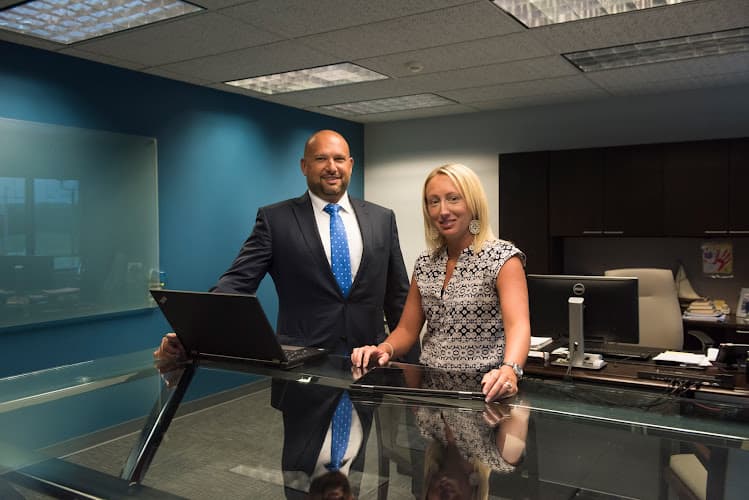
The staff, including Mark and Jerry, are known locally for direct, unvarnished assessments. If a machine is not worth repairing, customers are told so. If a repair is a long shot, that is stated up front rather than discovered after the fact. Estimates are provided before work proceeds, and the shop will discuss the tradeoff between repairing an aging system and putting the same money toward a replacement.
For customers who cannot easily transport equipment, pickup and delivery arrangements have been made, which matters for desktop towers, for small offices that cannot afford downtime, and for older residents or anyone without convenient transportation. On-site service is also part of the mix for network problems and multi-machine setups that cannot be diagnosed properly in a shop.
Location and Service Area
West Reading is a compact borough directly west of downtown Reading, and Penn Avenue is its commercial spine, lined with independent shops, restaurants, and professional offices. The location is convenient to Wyomissing, Reading, Sinking Spring, Shillington, and the surrounding Berks County communities, and it is close to the Reading Hospital campus and the Penn Avenue bridge into the city. Street parking is available along the avenue and on the adjacent side streets.
Because the shop serves both walk-in retail customers and business clients, its service area extends well beyond the borough itself to households and small offices across the county. Anyone planning a visit is advised to call ahead at +1 610-375-1676 to confirm current hours, describe the problem, and ask whether the device should be brought in or whether the issue can be addressed remotely or on site.
Practical Notes for Customers
- Back up anything you can before bringing a machine in, and mention immediately if the device holds files that have never been backed up elsewhere.
- If a laptop has been exposed to liquid, do not try to power it on. Turn it off, unplug it, and get it to a technician as quickly as possible.
- Bring the charger or power adapter along with the computer, since many symptoms involve charging and power delivery.
- Have any account passwords or recovery information available, as these are frequently needed for operating system repairs and data transfers.
- Ask for an estimate and a realistic assessment of the odds before authorizing work on severely damaged hardware.